
APP · IPHONE + ANDROID · COMING SOON
Planning is easy. Starting is the hard part.
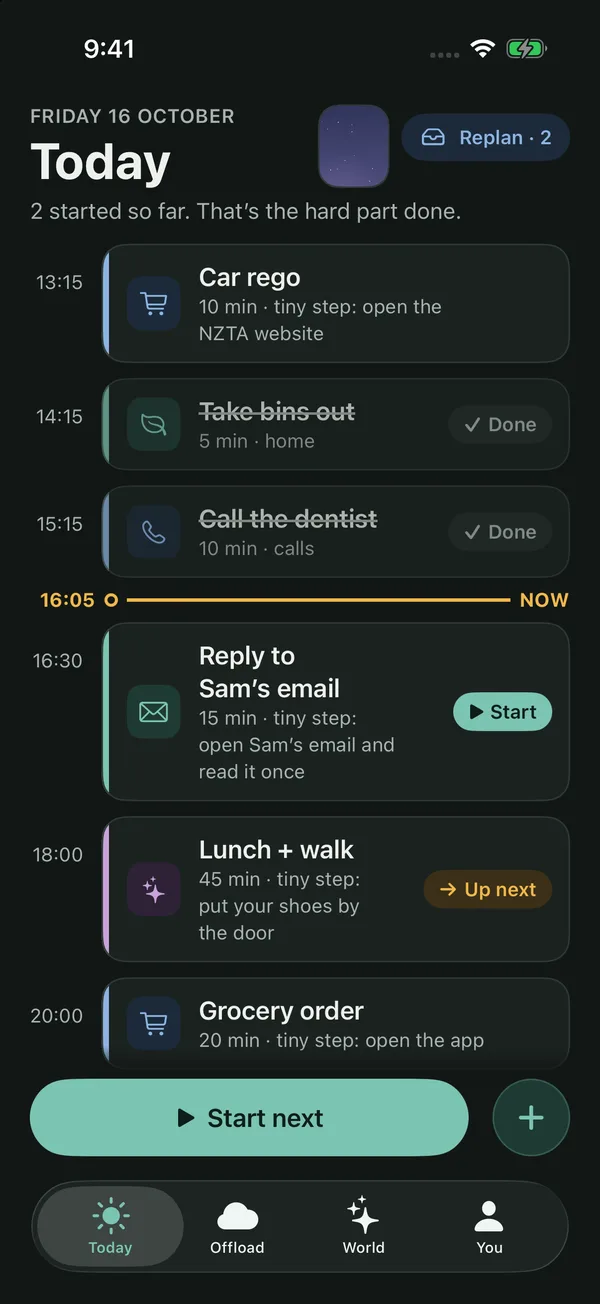
Startlet is a calm day planner designed with ADHD brains in mind. Every task begins with a tiny first step, there is one clear button per screen, and nothing ever scolds you for a rest day.
- Platform
- iPhone + Android phones
- Release
- Coming soon to the App Store and Google Play
- Price
- Free · Startlet Plus optional
- Privacy
- Your plans stay on your phone
Why we made it
Most planners are good at lists. The hard part is the moment before you begin, when a task feels too big to touch.
Startlet makes that first step tiny, keeps one clear next thing on screen, and rewards starting rather than finishing. A small start grows something in your world, and a day off is just a rest day.
What it does
Small starts, kindly counted.
Tiny first steps
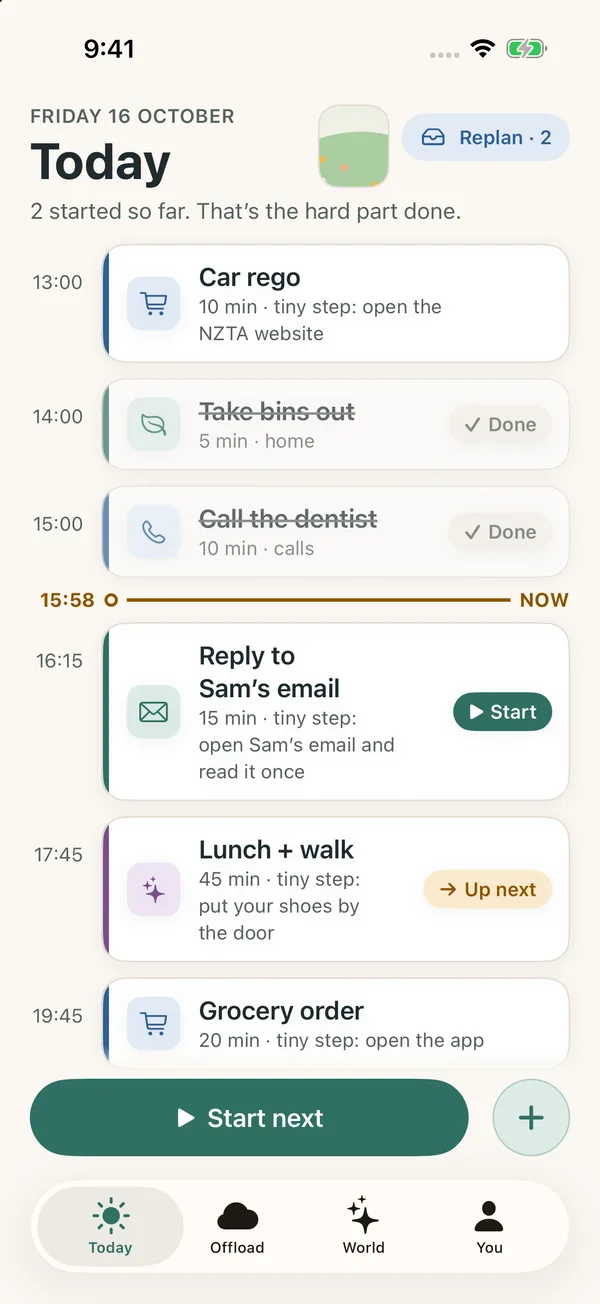
Every task comes with a first step small enough to start, like "open the email". Pick from 5 to 10 ideas matched to the task, or write your own. One button starts the next thing.
Mind Offload
Tap the mic and say everything on your mind, or type it. Messy is fine. Startlet sorts it into separate tasks, each with its own day and time, and nothing lands on your day until you say so. Free includes 3 sorts a day; Plus makes them unlimited.
Focus room
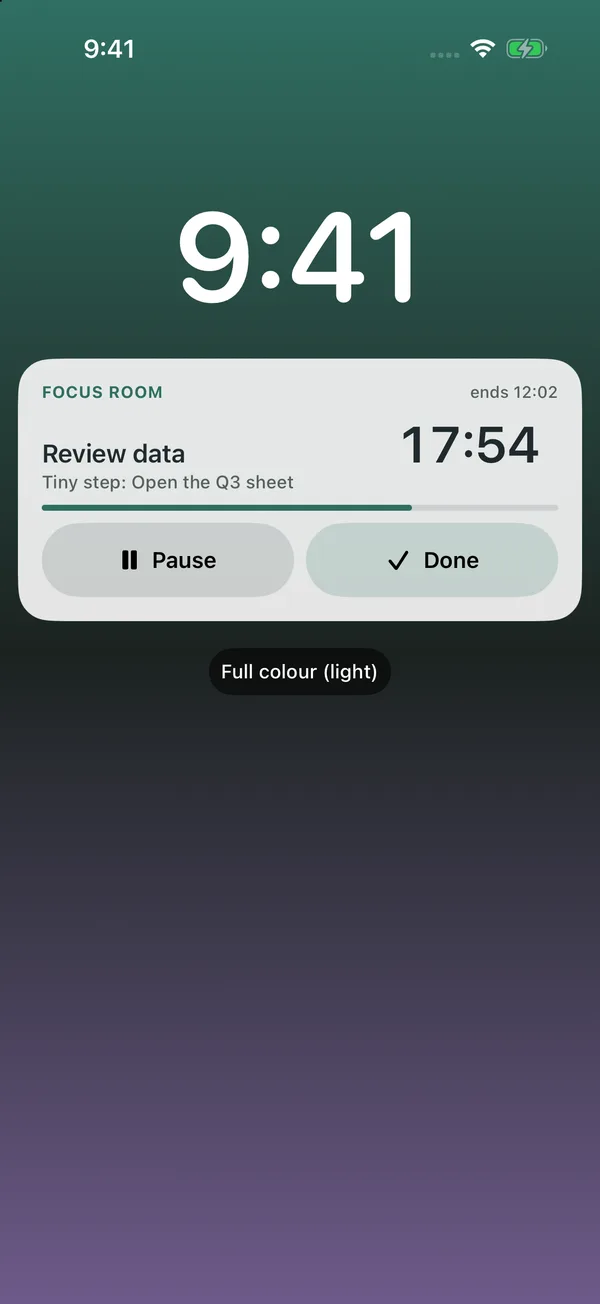
A clean ring timer for the step in front of you, with just Pause and Done. It follows you to the Lock Screen and Dynamic Island as a Live Activity.
Days you showed up
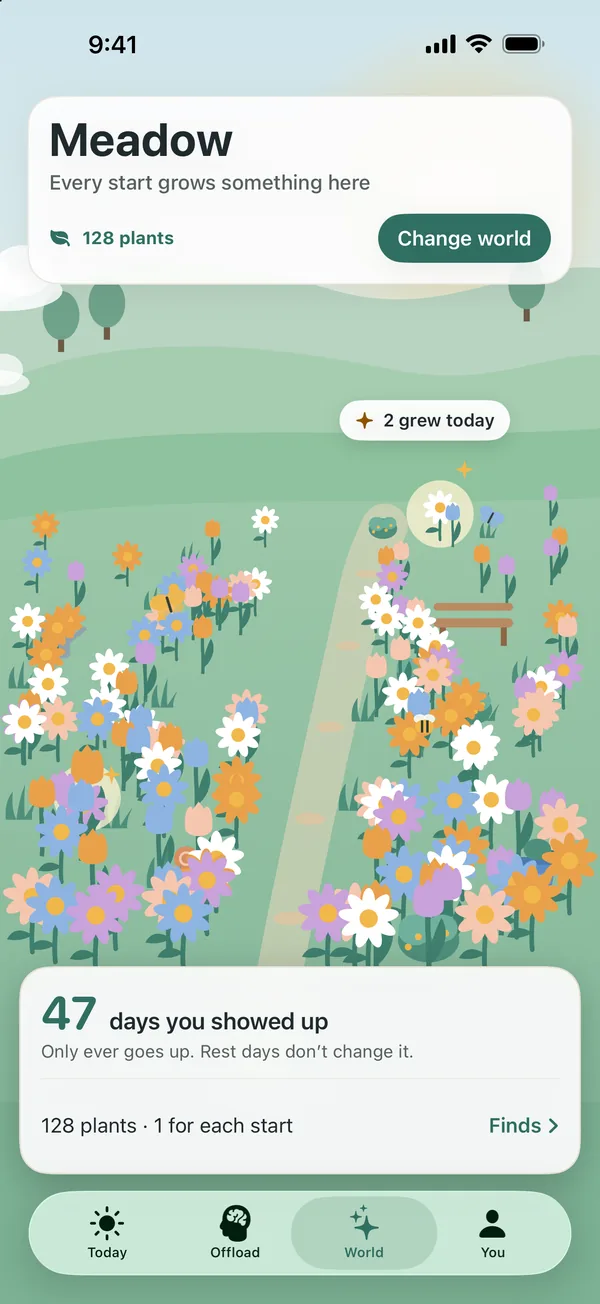
Startlet counts the days you started something, not days in a row. The number only goes up, and rest days never reset it.
Worlds that grow
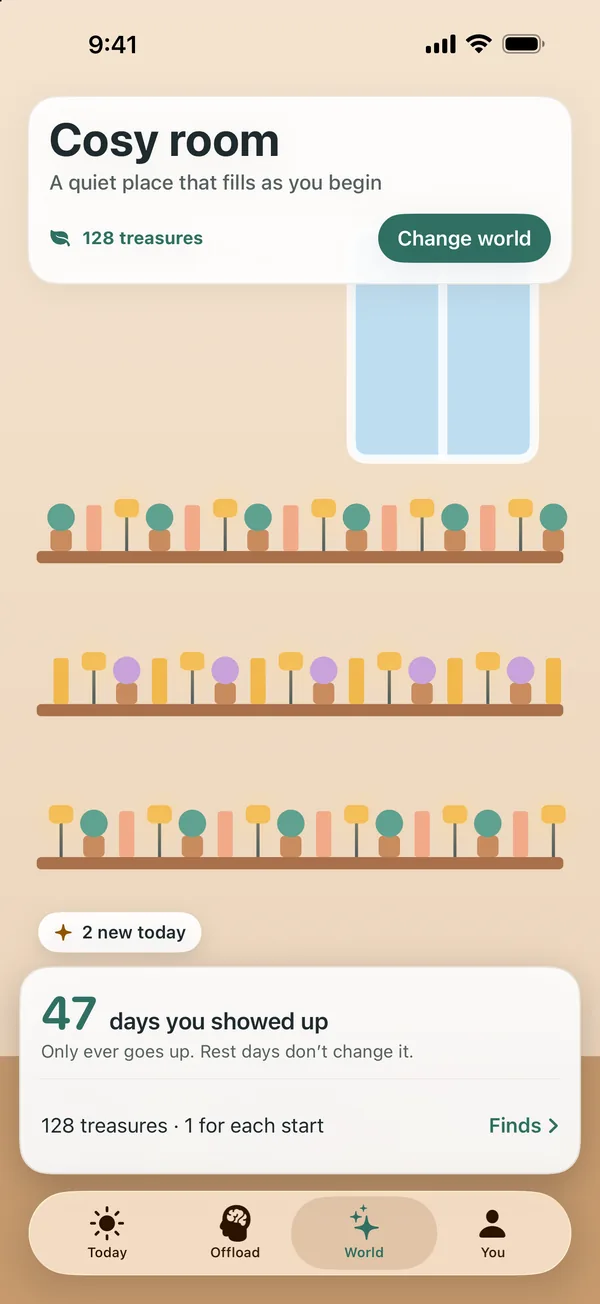
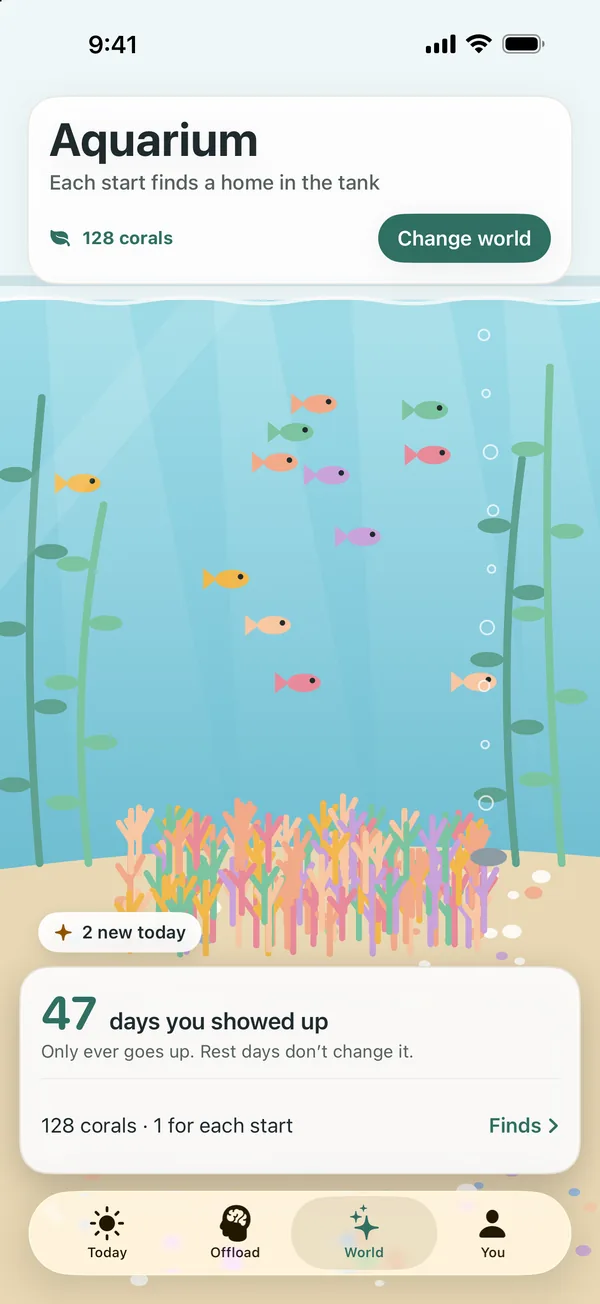
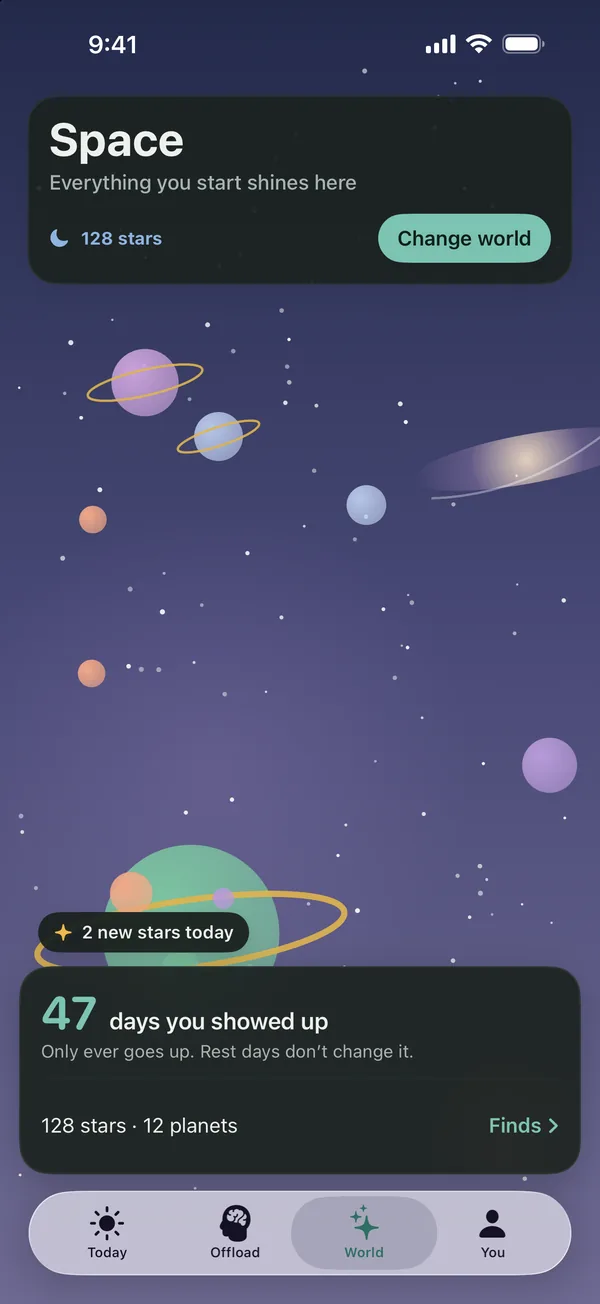
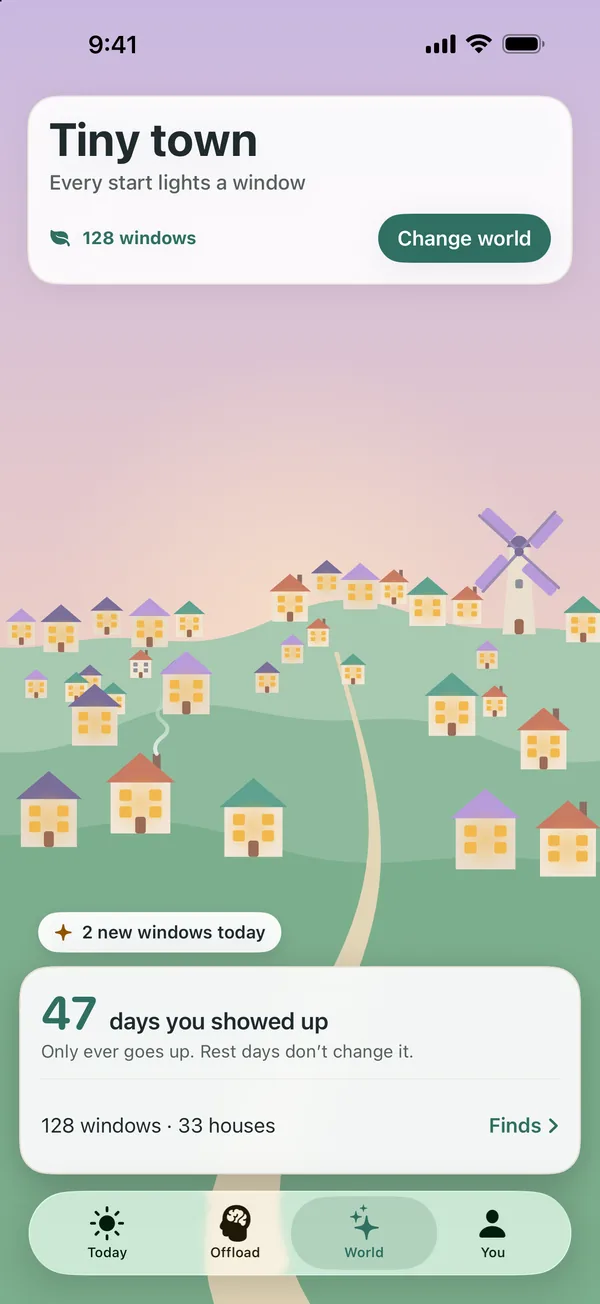
Every start grows something in your world. On rest days your world rests too. It never wilts, and everything you grow stays.
Finds
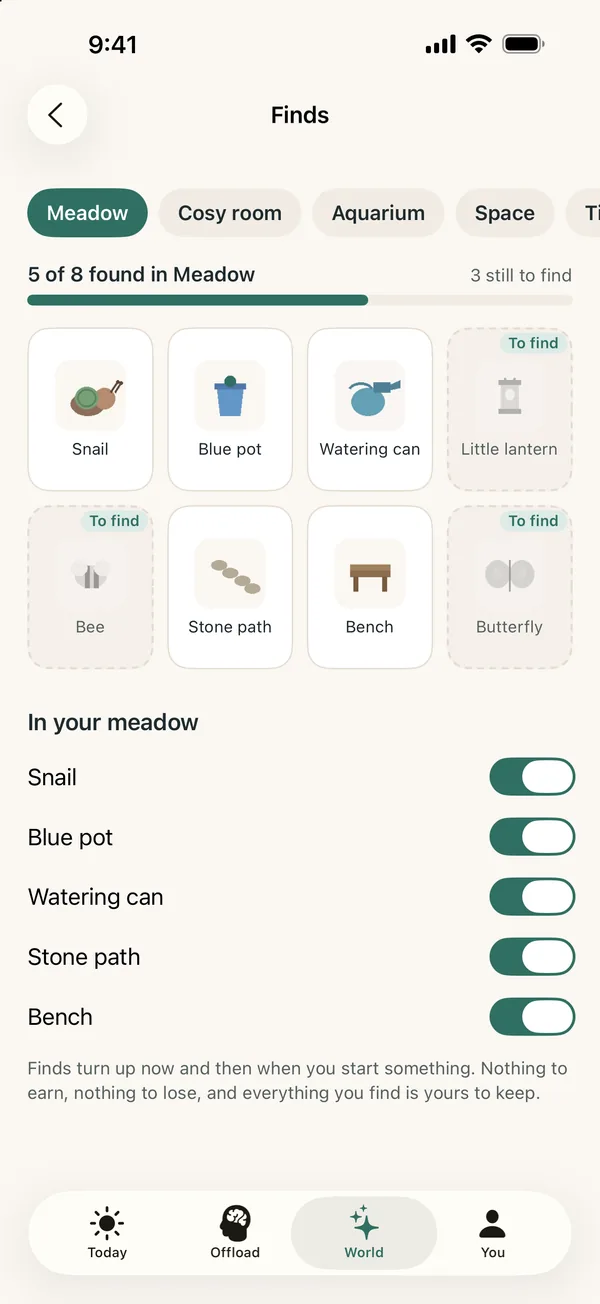
Small surprises turn up as you keep starting: a butterfly in the Meadow, a seahorse in the Aquarium, a comet in Space.
Themes and icons
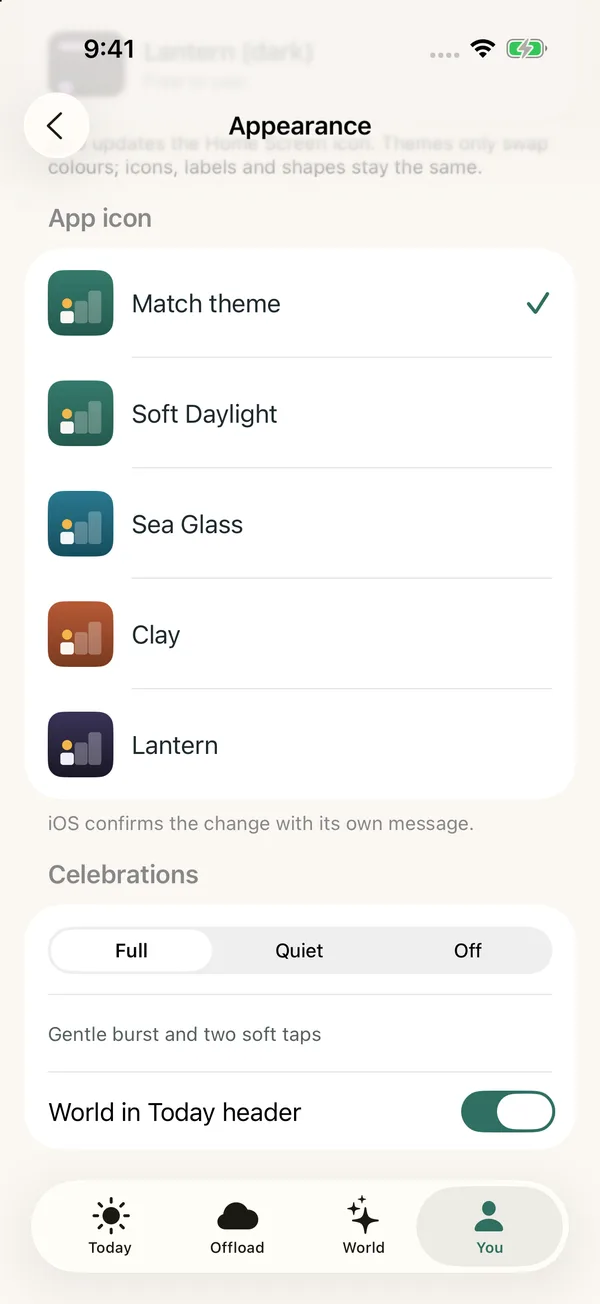
Choose Soft Daylight, Sea Glass, Clay or Lantern. Each theme has a light and a dark palette, and the app icon can match.
Widgets
See your next task on the Home Screen and Lock Screen, set against the world you chose.
Worlds
Choose what grows.
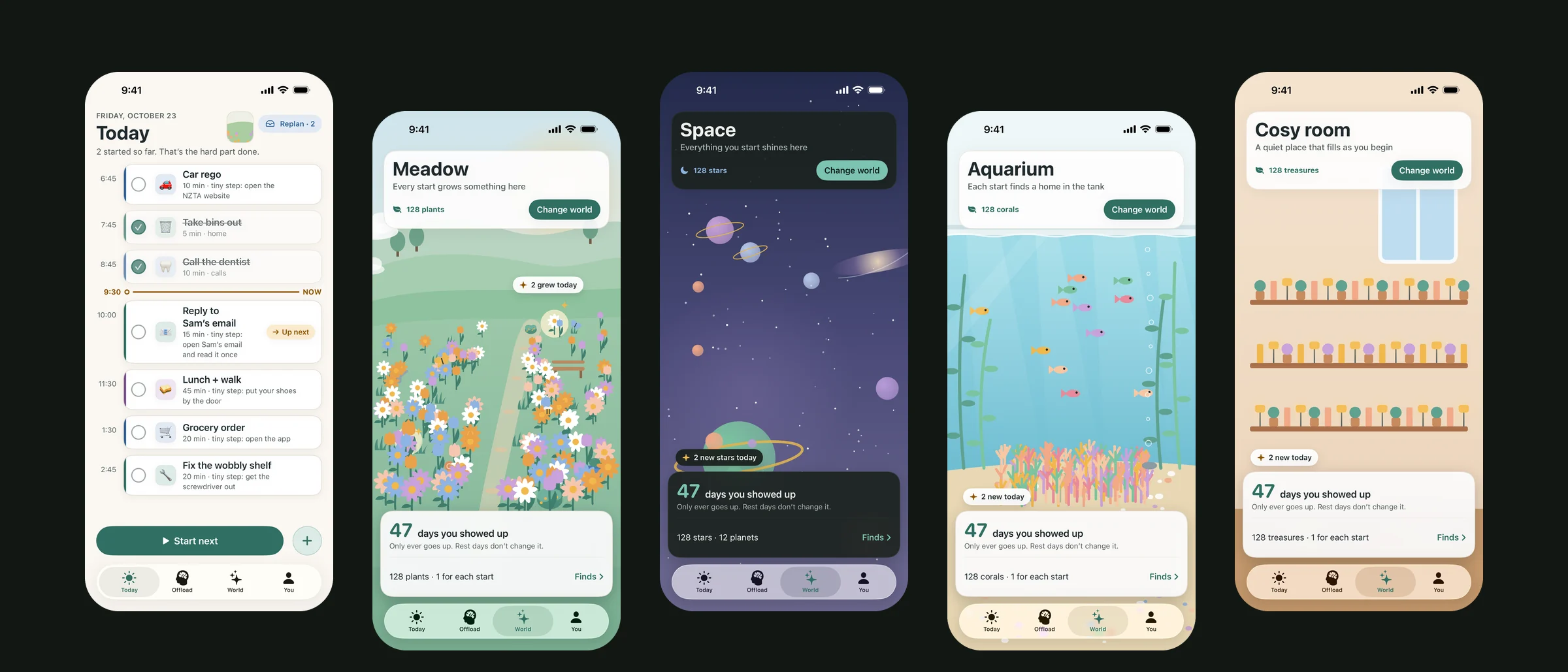
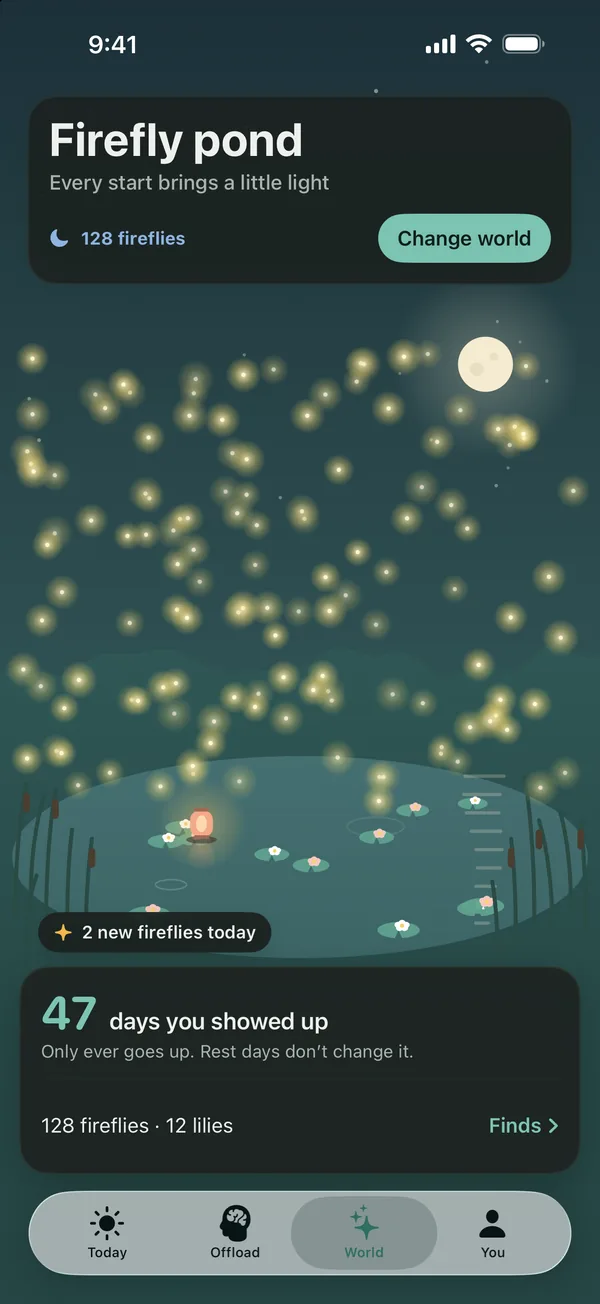
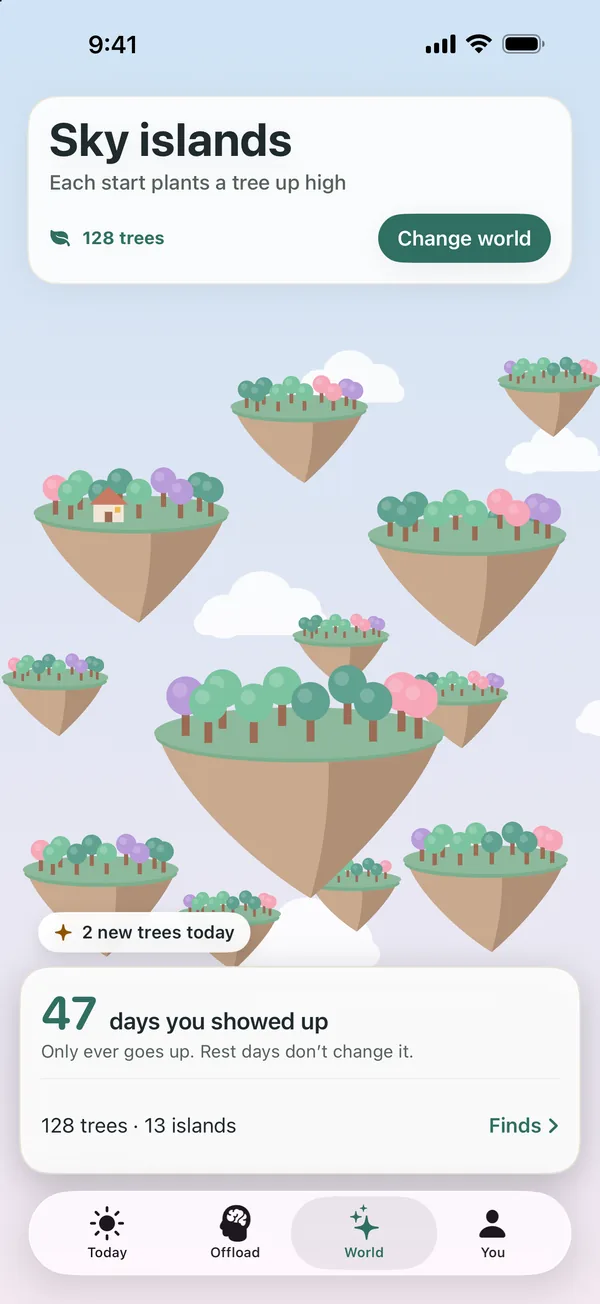
Your starts grow the world you're in, and each world keeps what it has grown, so switching never loses anything.
Free, always
3 worlds
- MeadowEvery start grows something here
- Cosy roomA quiet place that fills as you begin
- AquariumEach start finds a home in the tank
Startlet Plus
8 more worlds
- SpaceEverything you start shines here
- Tiny townEvery start lights a window
- BeehiveEach start fills a cell with honey
- Firefly pondEvery start brings a little light
- RainforestEvery start grows something green
- Sky islandsEach start plants a tree up high
- SkylineEvery start adds a floor
- Desert bloomEvery start opens a flower
Themes
Four themes, four icons.
Every theme has its own light and dark palette, and all its text pairs pass WCAG AA contrast. Pick a theme and the app icon on your Home Screen can match it.
Soft Daylight
Our pick: warm paper, low glare, gentle contrast
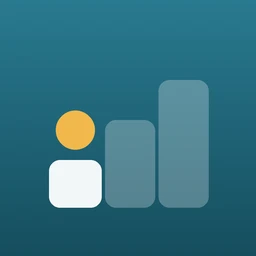
Sea Glass
Cool, calm blues and greens
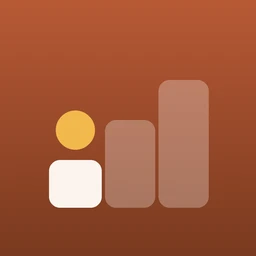
Clay
Warm terracotta
Lantern
Low-light, for evenings
Free and Plus
Free, always
- Tasks with tiny first steps
- Mind Offload, typed or spoken, with 3 free sorts a day
- The Focus room
- Reminders, and "days you showed up"
- 3 worlds: Meadow, Cosy room and Aquarium
Startlet Plus
- Every growing world: 8 more, from Tiny town to Space, plus new ones as they arrive
- Unlimited Mind Offload sorts
- New Plus features as they arrive
- Weekly, monthly or yearly. Monthly and yearly start with 2 weeks free
- Or Lifetime: one payment that never renews
No surprise charges: we remind you 3 days before a free trial ends, and you can cancel any time in Settings. If Plus lapses, you keep the world you were growing and everything in it. Prices are shown in the App Store and Google Play and vary by region. Startlet is a planning tool, not a medical product, and it gives no medical advice. Sorting with Apple Intelligence needs a supported iPhone.
Privacy
Your plans stay on your phone.
Startlet has no account, no analytics, no ads and no tracking. Your tasks and notes are stored on your phone, not on our servers. Dictation is transcribed on your phone whenever it supports it, and the audio is never recorded or kept.
Coming soon
Coming soon to the App Store and Google Play.
Startlet is free to download, with an optional Startlet Plus. 1.0 is where we start, and every update will list exactly what changed.